
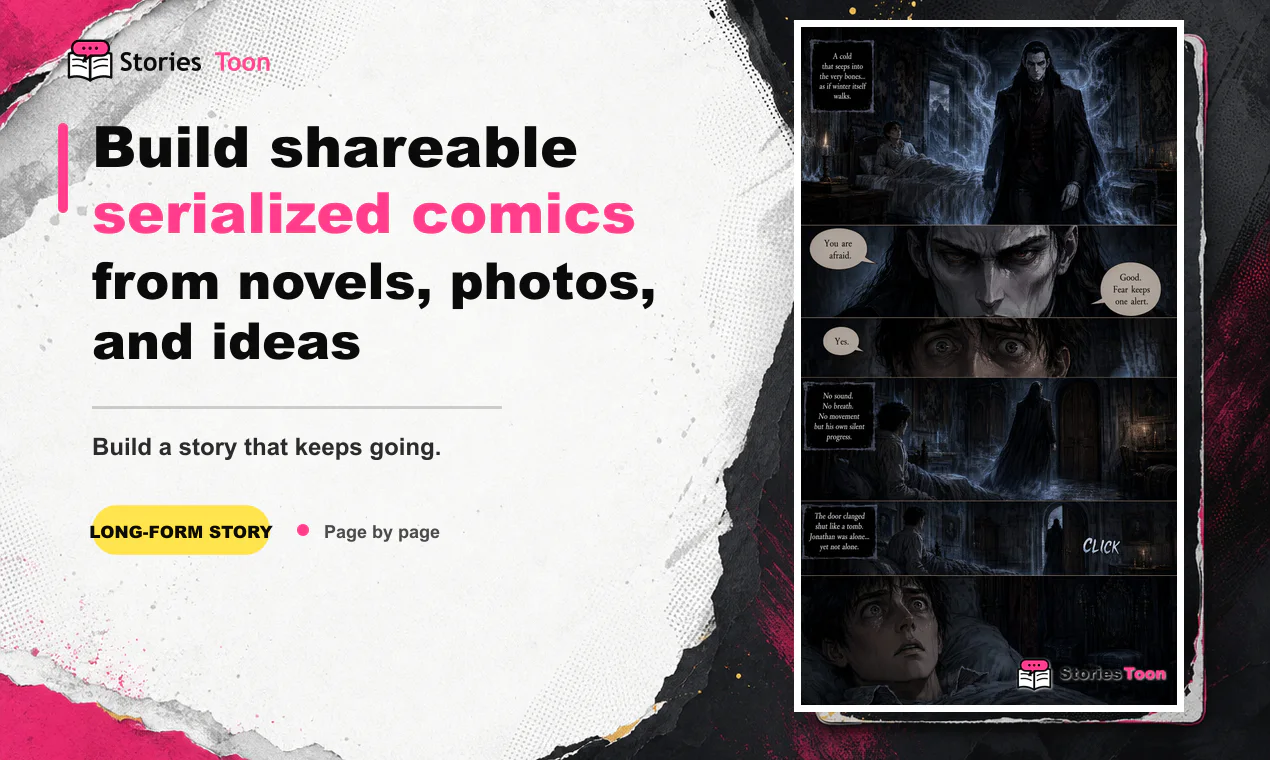
1. Choose one clear chapter
Start with one chapter or scene that has a clear beginning, turning point, and outcome. For a long novel, work one chapter at a time. This makes the page order easier to review and gives each episode a satisfying ending.
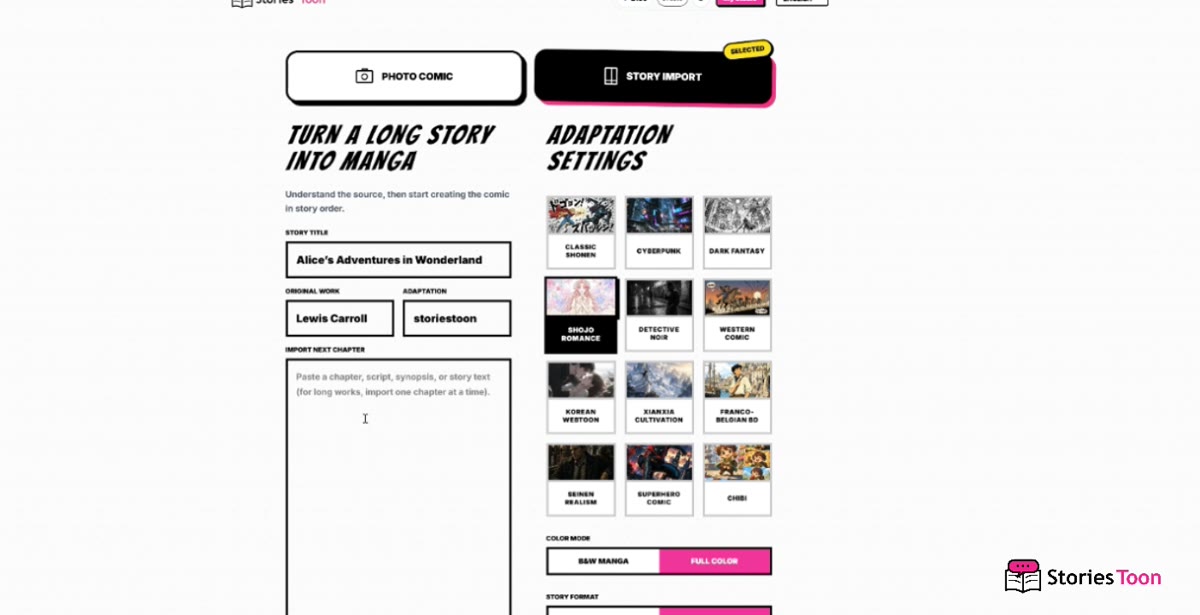
2. Import the story and choose its look
Open Story Import, add a title, and paste the chapter into the story field. Choose the visual style, color mode, and either a vertical webtoon or page-comic format before continuing.
Keep speaker names with their dialogue, remove repeated navigation text, and use short paragraph breaks when the time or location changes. Names and important objects should stay consistent with the source story.
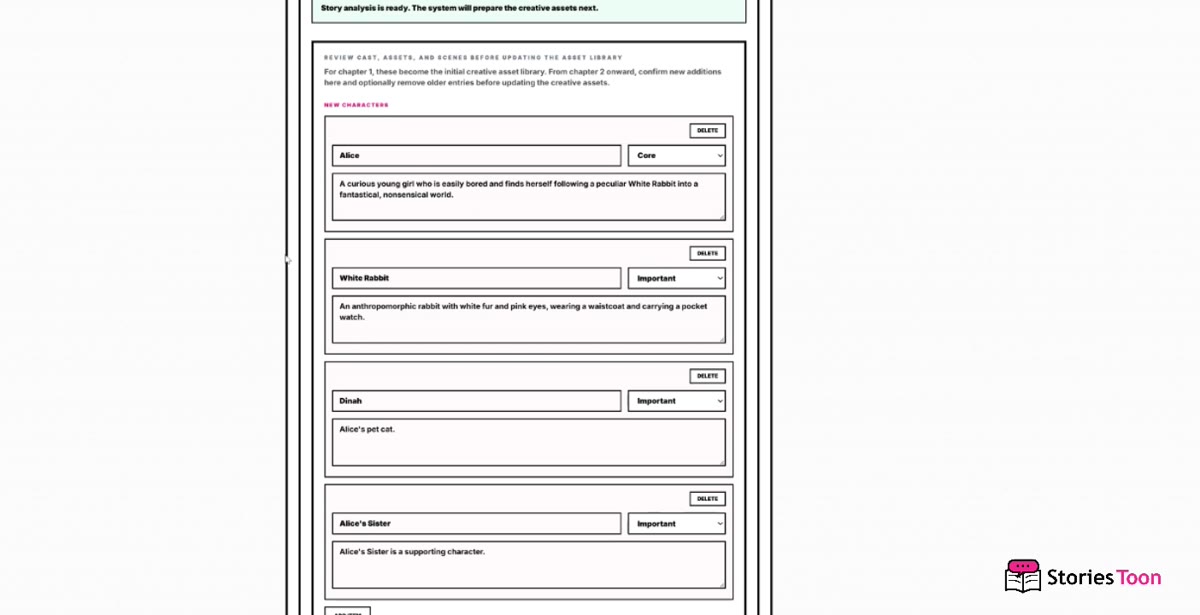
3. Review the characters
After the story is ready, review the character list before creating pages. Check each name, role, importance, and visual description. Remove entries that are not useful, and correct anything that does not match the chapter.
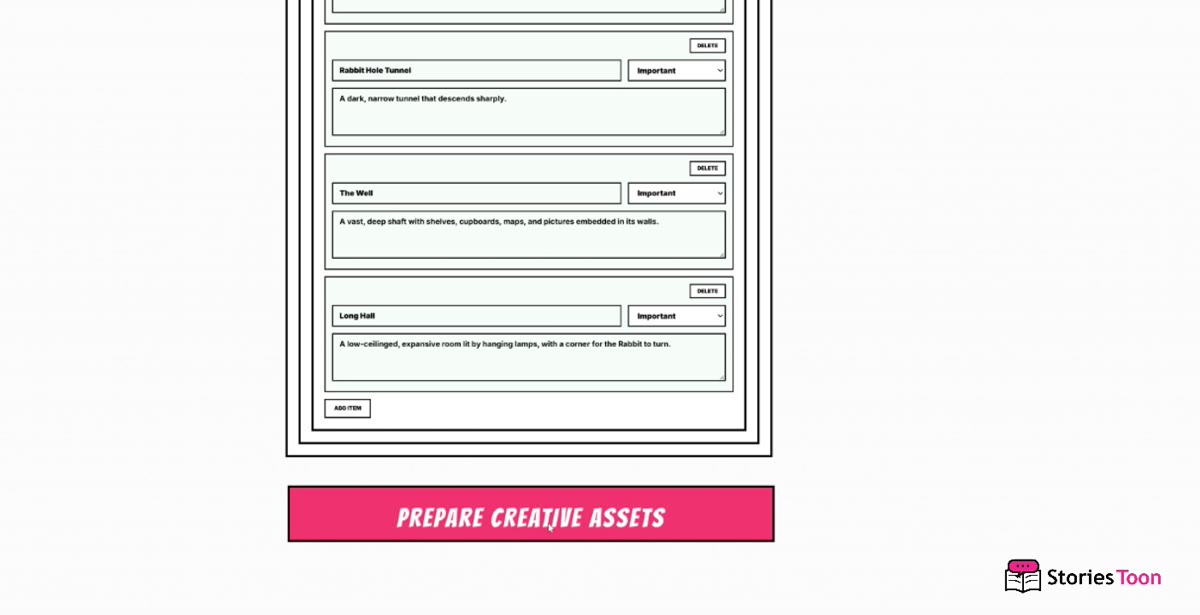
4. Check locations and important objects
Review recurring locations and story objects in the same way. Keep details readers should recognize later, remove unnecessary entries, and make any edits before selecting Prepare Creative Assets.
5. Create and review the episode
Create the comic in story order, then read the finished pages from beginning to end. Each page should carry one meaningful beat: an action, discovery, conflict, or emotional change. Redraw or revise a page when a transition feels abrupt, repeats the previous page, or no longer matches the chapter.
For vertical webtoons, also check the reading rhythm on a phone-sized screen. Dialogue should remain comfortable to read, and the final page should give readers a reason to open the next episode.
6. Continue with the next chapter
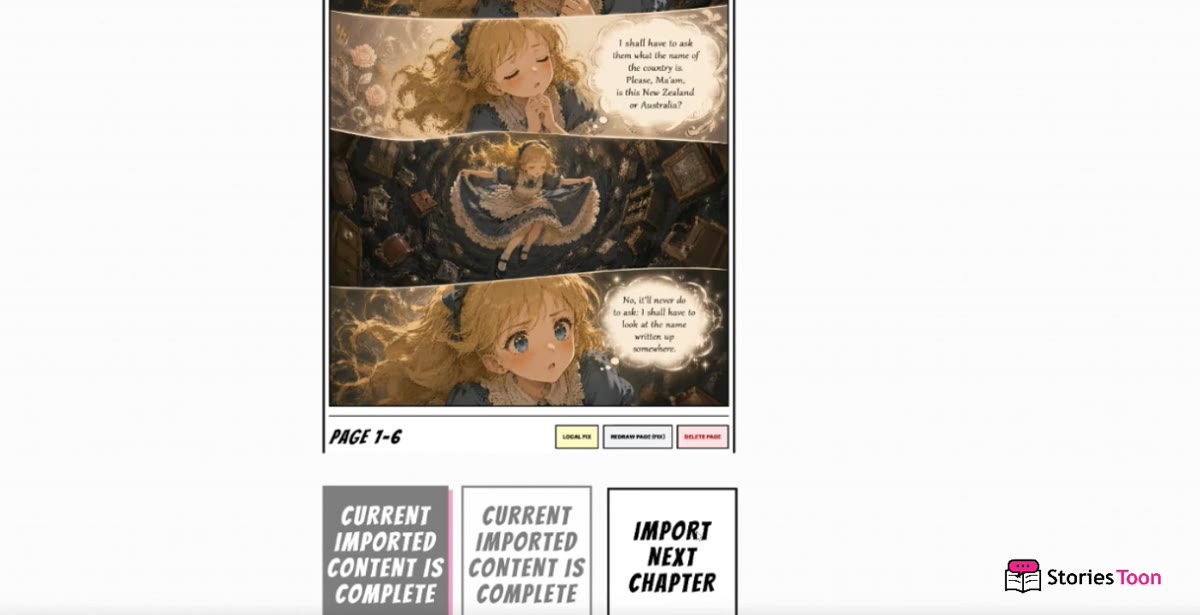
When the current imported content is complete, select Import Next Chapter inside the same project. Add the next chapter, review any new characters, locations, or objects, and continue creating pages without starting a separate comic.
Export for reading and publishing
Choose the export that fits where the comic will be read or published:
- Long vertical image for a continuous webtoon episode.
- Image files for uploading individual comic pages directly.
- PDF for a portable, easy-to-share comic document.
- ZIP for keeping the page images together in order.
- HTML ebook for a browser-friendly reading package.
Final check before publishing
- Does the episode follow the chapter's event order?
- Are names, faces, costumes, and locations recognizable?
- Can dialogue be read comfortably in the chosen format?
- Does the final page give readers a reason to continue?
- Is the export format accepted by the platform where you will publish?