Work from the source
The workflow keeps the imported story structure and ordered events at the center of the adaptation.

Story to manga AI
Story to manga means turning a chapter, script, or original story into ordered comic pages. Import your text, review the cast and scenes, then shape a readable sequence ready for a continuing series.
Story adaptation is designed for ordered events, recurring characters, important objects, and locations that may return later. Long works are handled most clearly one chapter at a time.
The workflow keeps the imported story structure and ordered events at the center of the adaptation.
Review important characters, objects, and scenes before moving into page creation.
Save supported work, continue later pages, and move into another imported chapter when ready.
Blooming in Its Own Time shows how a written story can move from a cover into ordered scenes while keeping its visual tone and recurring cast recognizable.

The story establishes its cast and emotional direction.
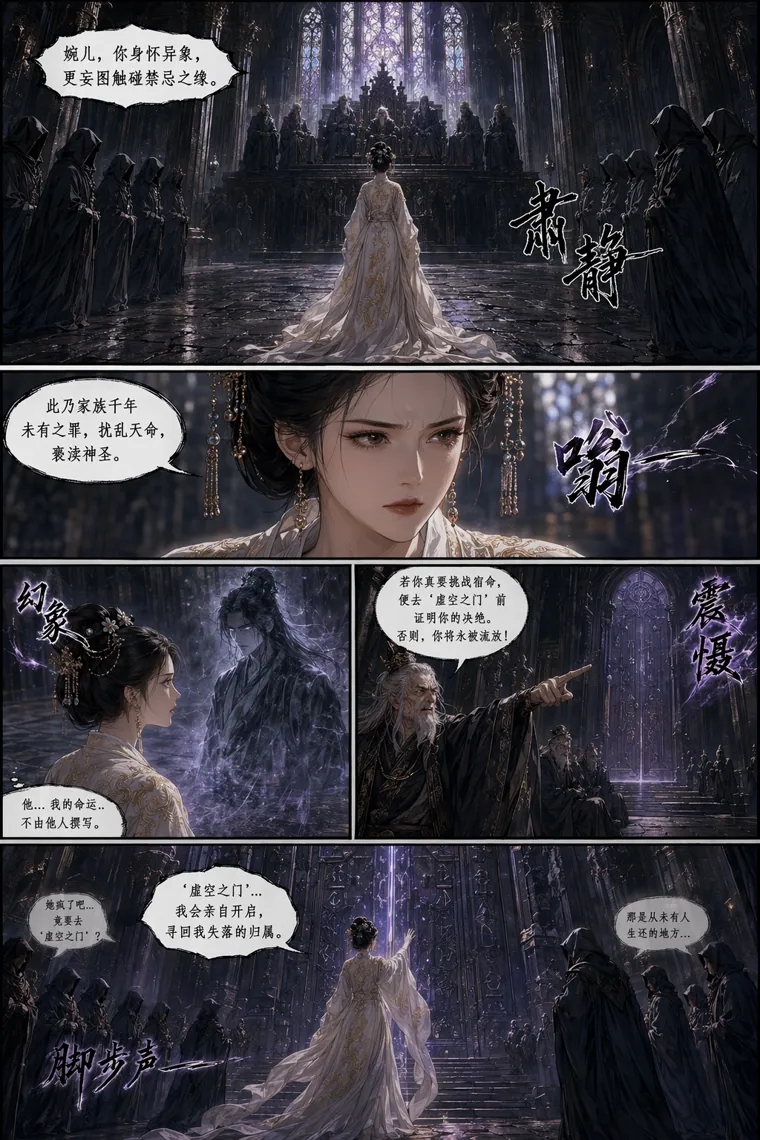
The adaptation begins with an ordered, readable scene.
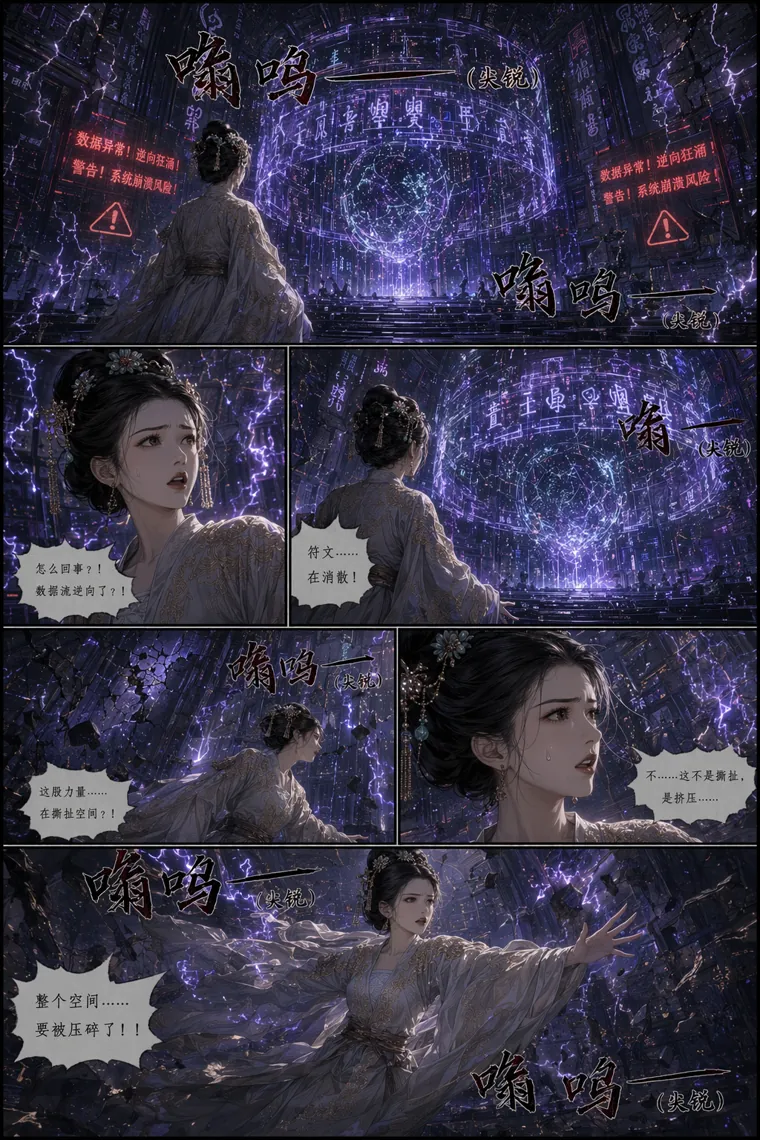
Characters and visual language continue beyond the opening.
Real project example shown with permission. The page selection is illustrative; generated results depend on the story, review choices, and revisions.
Paste a chapter, script, synopsis, or story section. For long works, use one chapter at a time.
Confirm the recognized protagonist and the characters, objects, and scenes needed for the comic.
Create pages, compare each result with the source, and save supported work before continuing with later material.
Watch how a written story becomes ordered comic pages that you can review and continue.
You can start from a chapter, script, synopsis, or story text. Long works are best imported one chapter at a time.
The workflow analyzes the source structure and uses its ordered events as the adaptation basis. You can review the recognized creative assets and each comic page during creation.
Saved work with continuation support can move into later pages or another imported chapter within the current workspace allowance.