Photo to manga
Upload a portrait or everyday photo, confirm the protagonist and visual direction, then turn the moment into a comic that can continue.

AI manga generator
StoriesToon is an AI manga generator for creators who want more than a single illustration. Build page manga or vertical comics, review the cast and story direction, revise visible problems, and continue the same project into later pages.
Choose the source you already have. A personal photo needs a different workflow from a written chapter, so StoriesToon keeps the two starting points clear.
Upload a portrait or everyday photo, confirm the protagonist and visual direction, then turn the moment into a comic that can continue.
Import a chapter, script, synopsis, or original story. Review recognized characters, objects, scenes, and ordered story events before creating pages.
Choose a traditional page layout or a vertical format for mobile reading, then export the format that fits where you plan to publish.
Crimson Vow is a public English series created from a written story. Its cover, opening page, and later scene show how a reviewed story-to-manga project can establish a world and keep its central characters moving through a longer narrative.
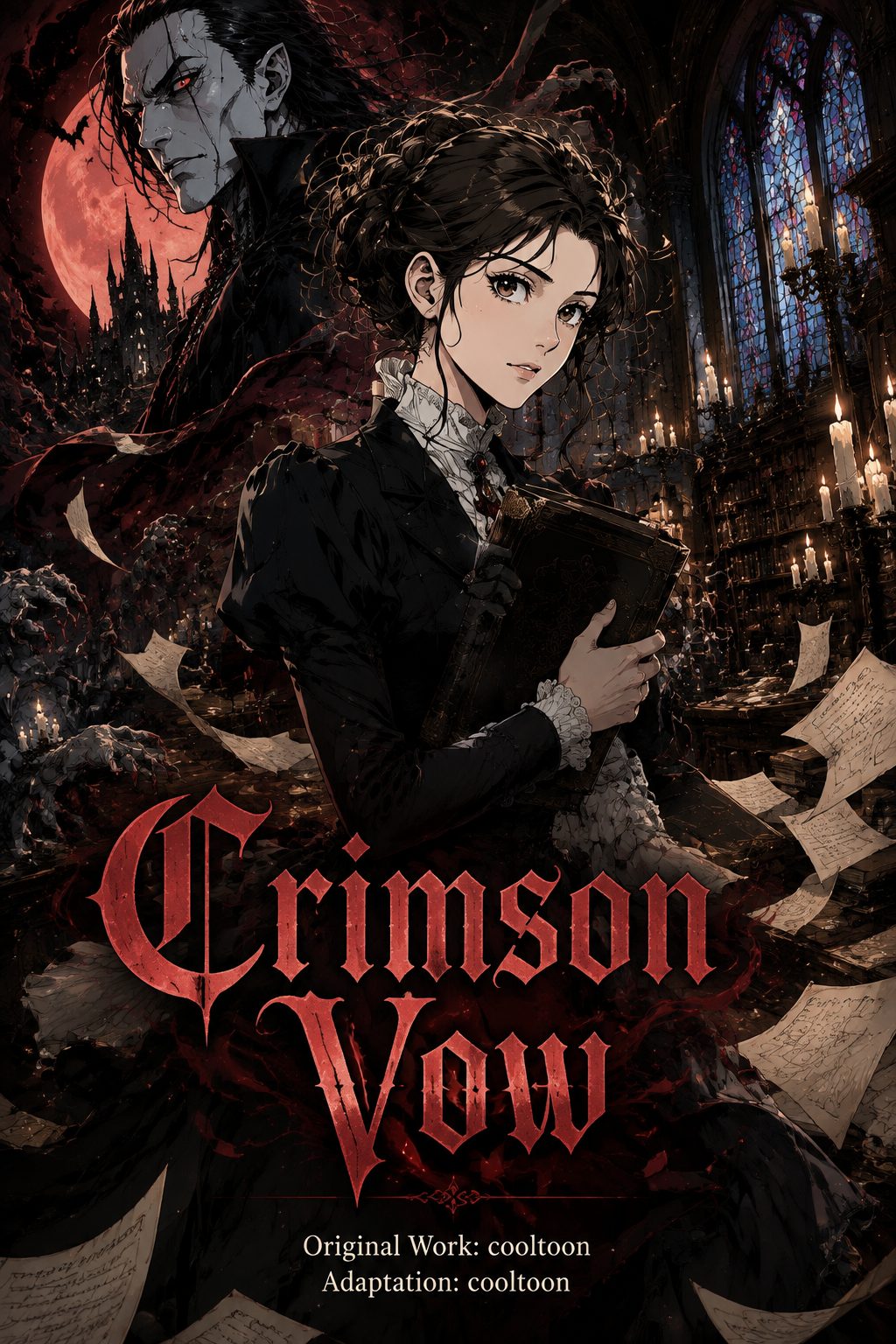
The English cover introduces the lead characters, gothic setting, and visual direction.
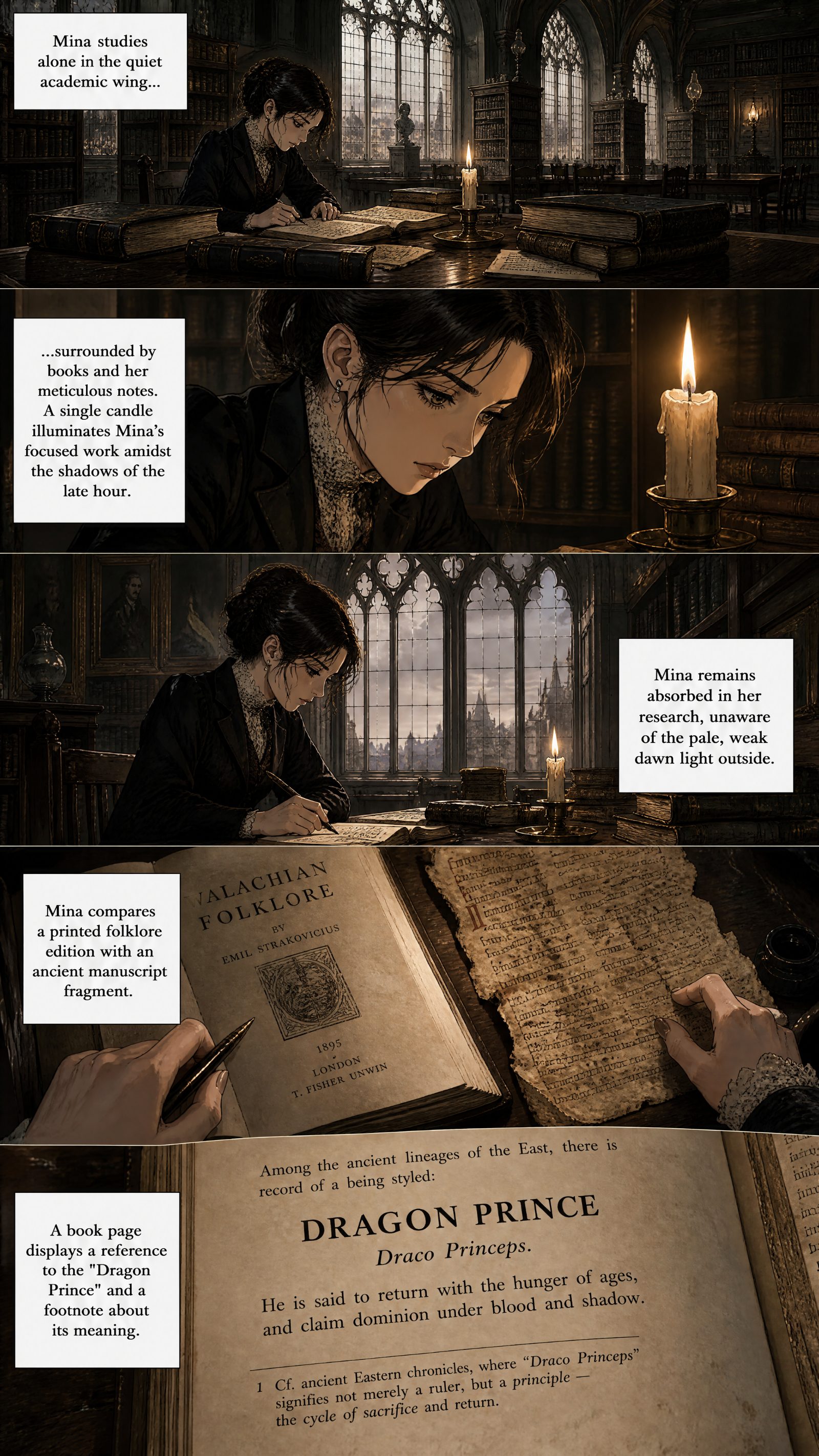
The first page introduces Mina through clear English narration and an ordered visual sequence.
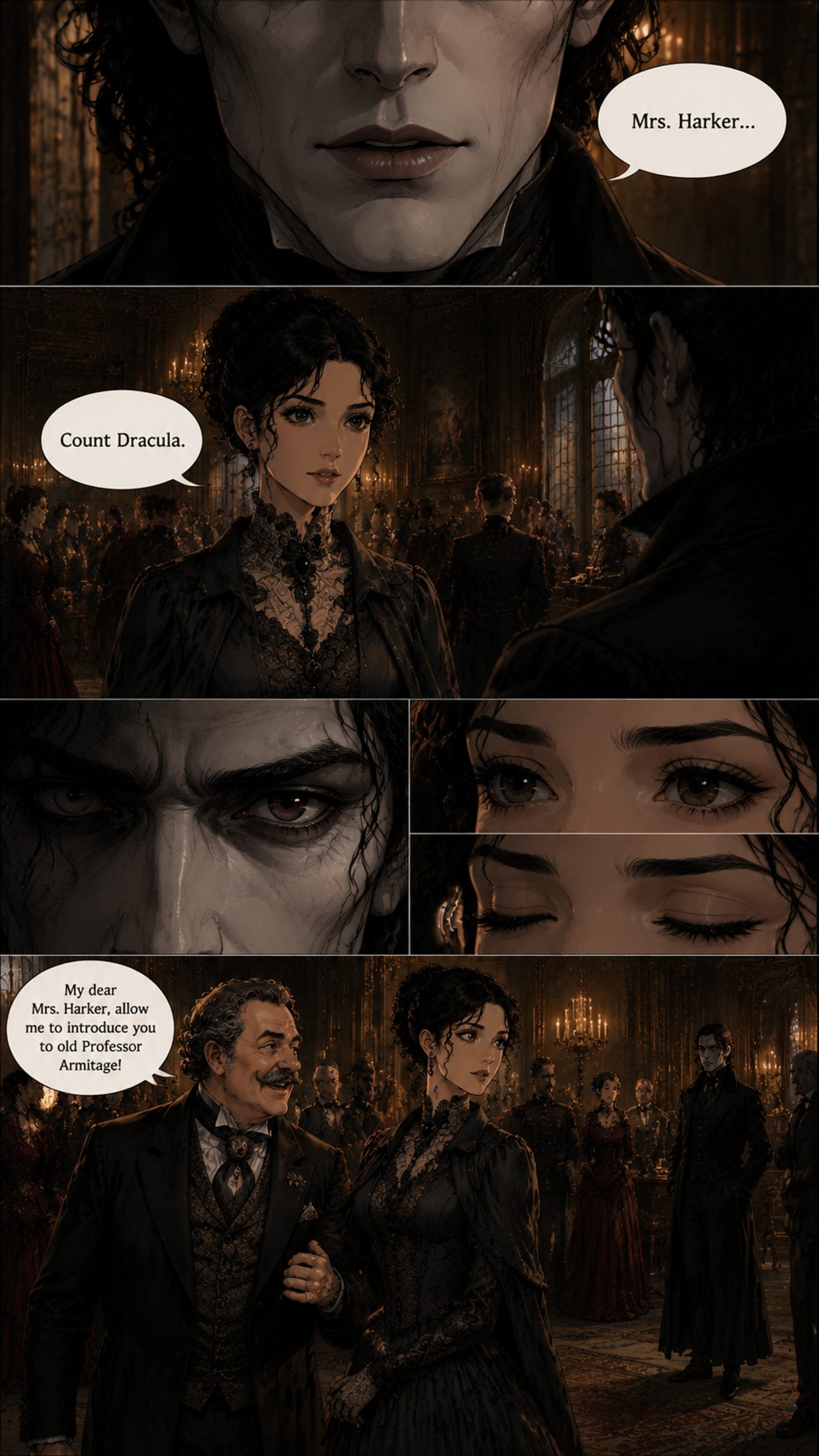
A later scene returns to Mina and Count Dracula while the English story moves forward.
Real public project example. Generated results vary and should be reviewed before publishing. Read Crimson Vow in Comic World.
Use one strong photo or one manageable story unit such as a chapter, script, synopsis, or scene.
Choose page manga or vertical webtoon, a creation language, and a visual style appropriate for your story.
Confirm important characters and story assets. For imported stories, check that recognized events follow the source.
Review every page, revise visible problems, save the project, and continue only when the current result supports the next scene.
Start with a photo, short idea, script, synopsis, or novel chapter. Choose the workflow that matches your source.
Yes. Saved projects can continue into later pages, and story-import projects can move through a longer work chapter by chapter within current product limits.
Yes. Review characters, dialogue, page order, hands, clothing, objects, and backgrounds before exporting or publishing. Use available revision tools when a page needs correction.
You can use AI-assisted creation without drawing every panel yourself, but you remain the editor. Clear source material and careful review improve the finished comic.